Deployment
Vercel
Complete guide to deploying your project on the Vercel platform
Deployment Process
Push Code
Push the main branch to your remote repository (GitHub/GitLab/Bitbucket).
git remote set-url origin [email protected]:your-username/your-repo.gitgit add .
git commit -m "feat: deploy to vercel"
git push origin mainConnect to Vercel
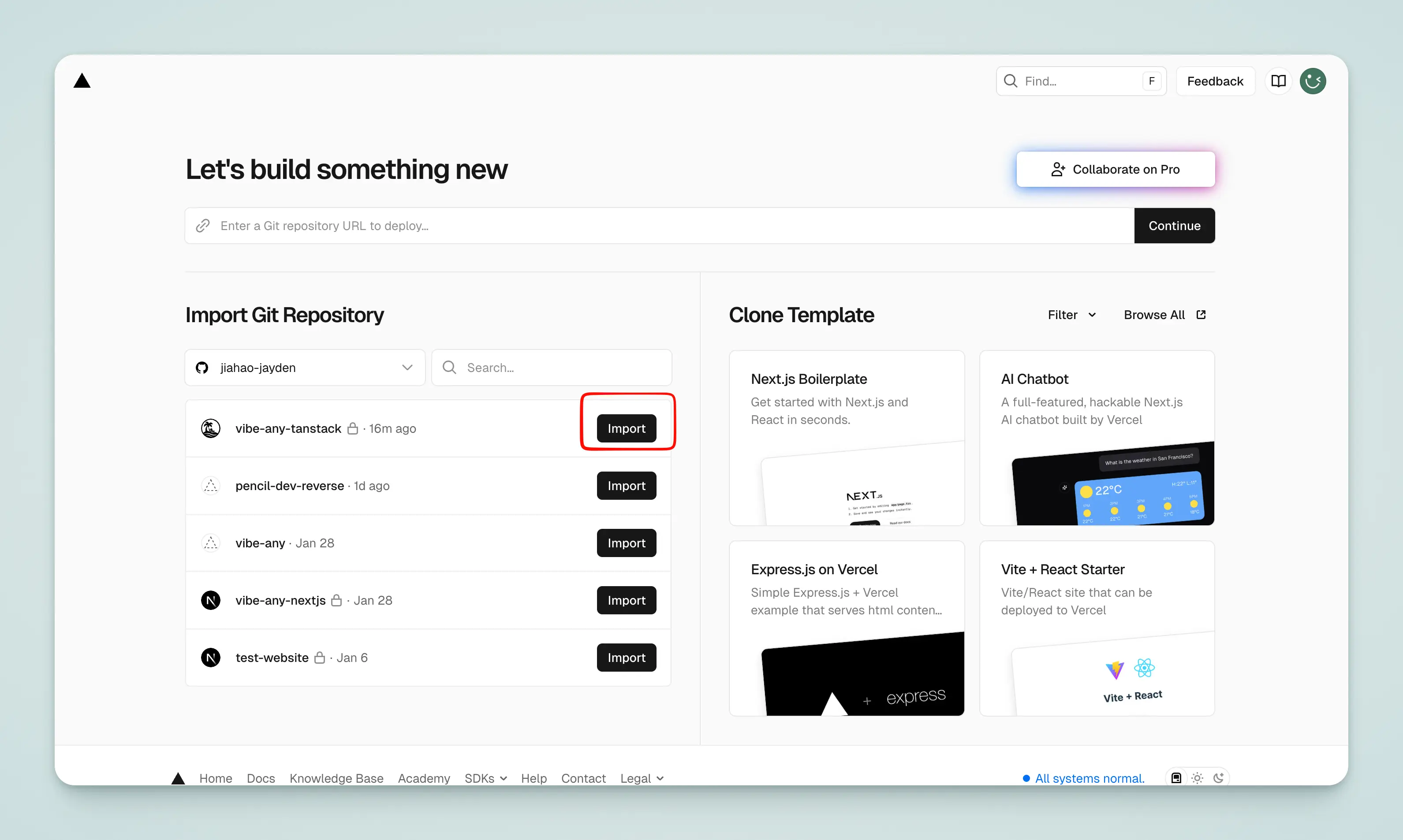
Open Vercel, click Import, and select your repository to complete the import.
Configure Environment Variables
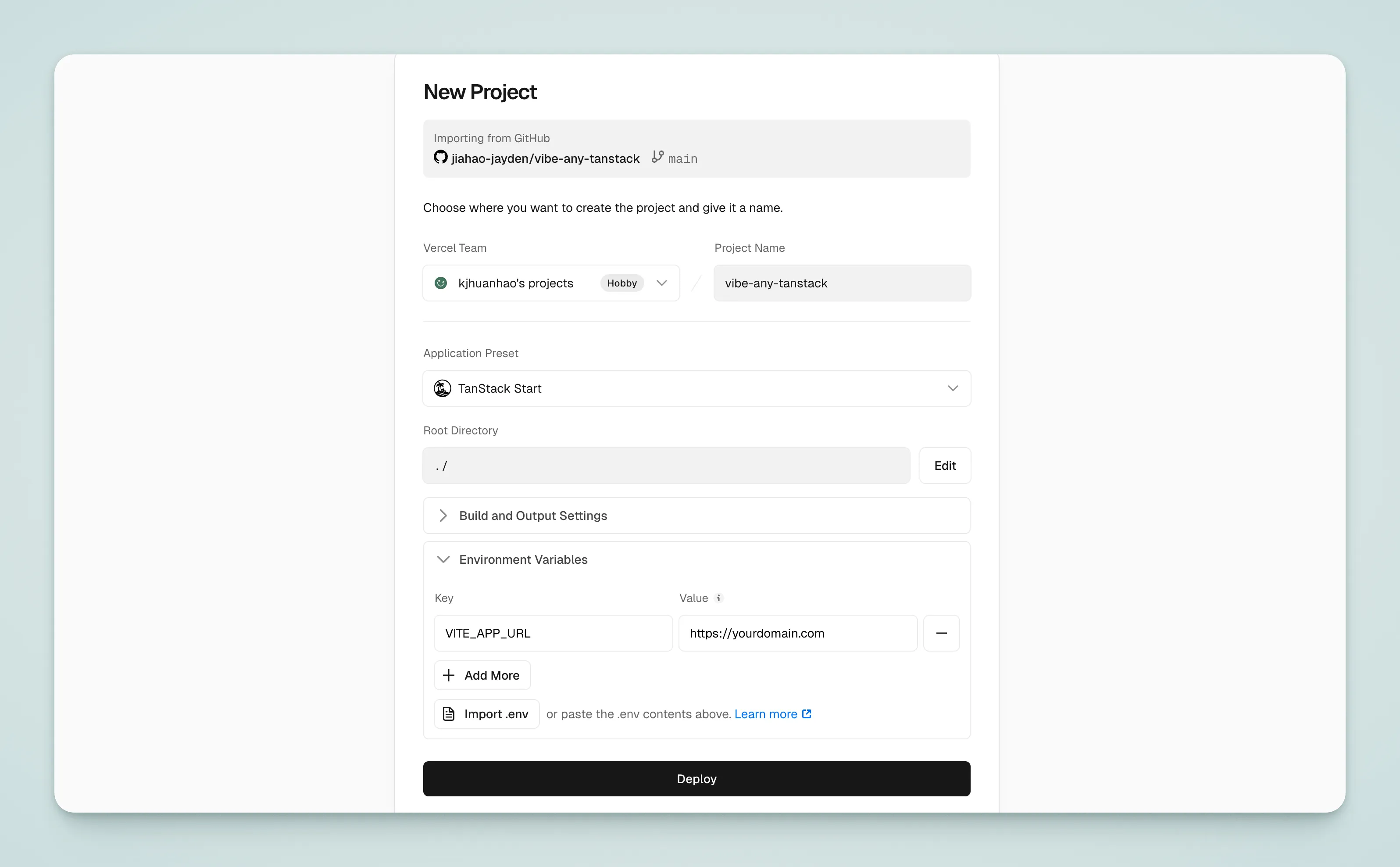
Import your .env file — Vercel will parse it automatically.
Deploy
Click "Deploy" and wait for the build to complete.