Customize
Customize Theme
Customize your application's colors, styles, and visual appearance
VibeAny uses Shadcn UI to build its theming system, supporting light/dark mode switching. The theme configuration file is located at src/config/style/theme.css. You can modify these variables to build your own theme.
:root {
  --background: oklch(1 0 0);
  --foreground: oklch(0.141 0.005 285.823);
  --card: oklch(1 0 0);
  --card-foreground: oklch(0.141 0.005 285.823);
  --popover: oklch(1 0 0);
  --popover-foreground: oklch(0.141 0.005 285.823);
  ...
}

.dark {
  --background: oklch(0.141 0.005 285.823);
  --foreground: oklch(0.985 0 0);
  --card: oklch(0.141 0.005 285.823);
  --card-foreground: oklch(0.985 0 0);
  --popover: oklch(0.141 0.005 285.823);
  --popover-foreground: oklch(0.985 0 0);
  ...
}
Here are some tools to help you quickly build your own theme.
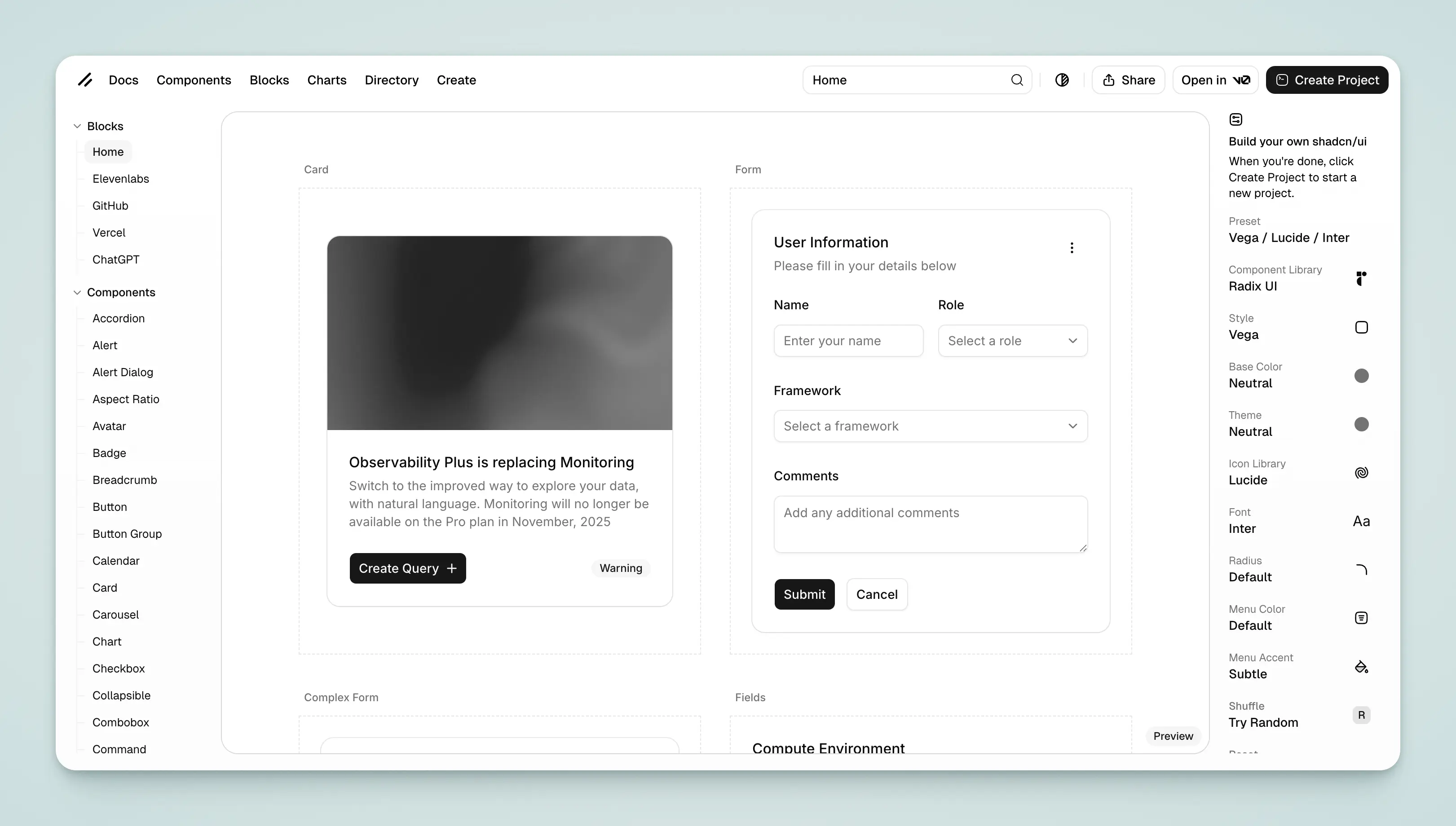
Shadcn
- Use the official Shadcn Create tool
- Use the Shadcn Themes tool to quickly generate theme colors and copy them to
src/config/style/theme.css.
Tweakcn
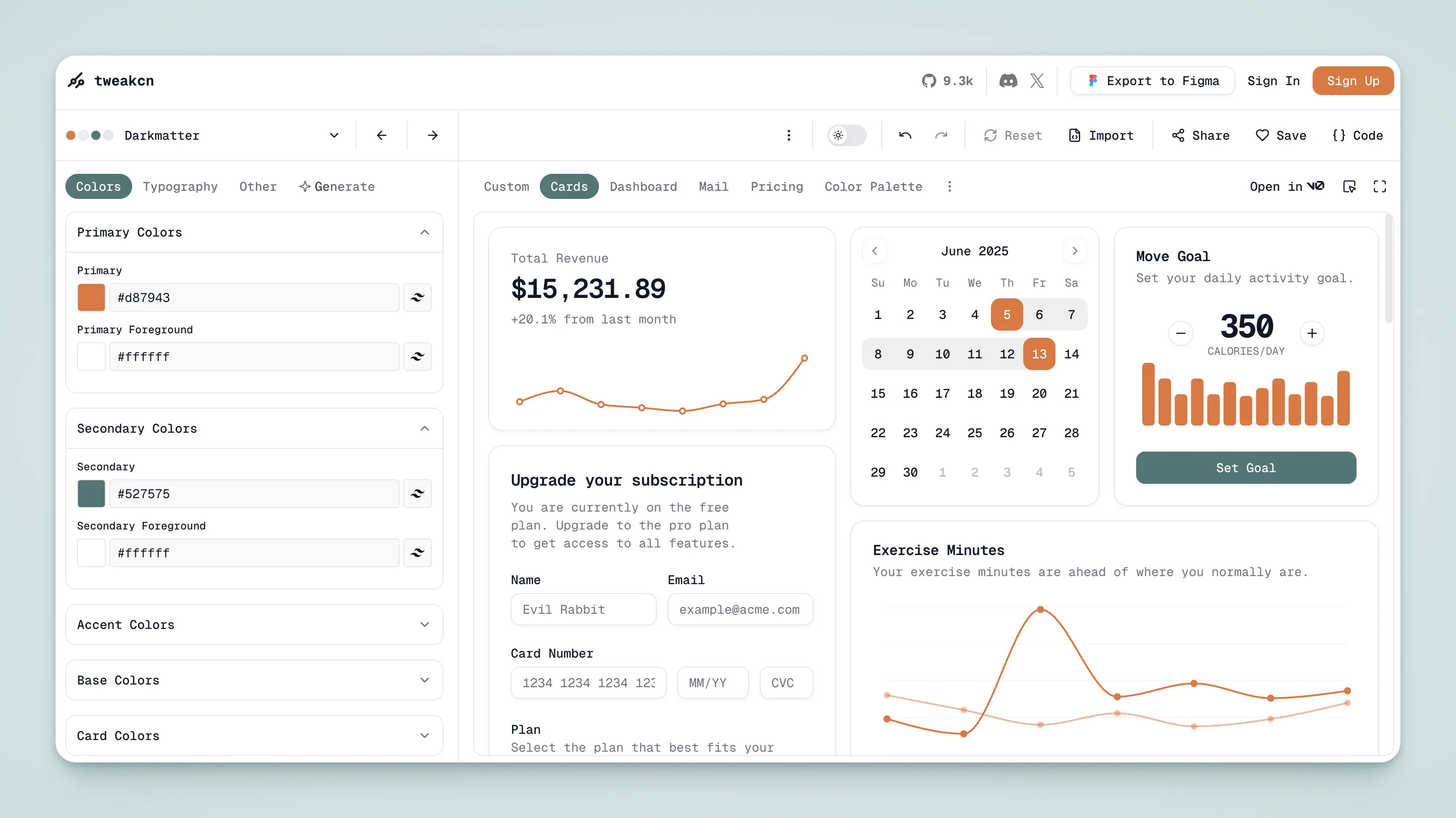
- Use the Tweakcn tool to quickly generate theme colors and copy them to
src/config/style/theme.css.
Themux
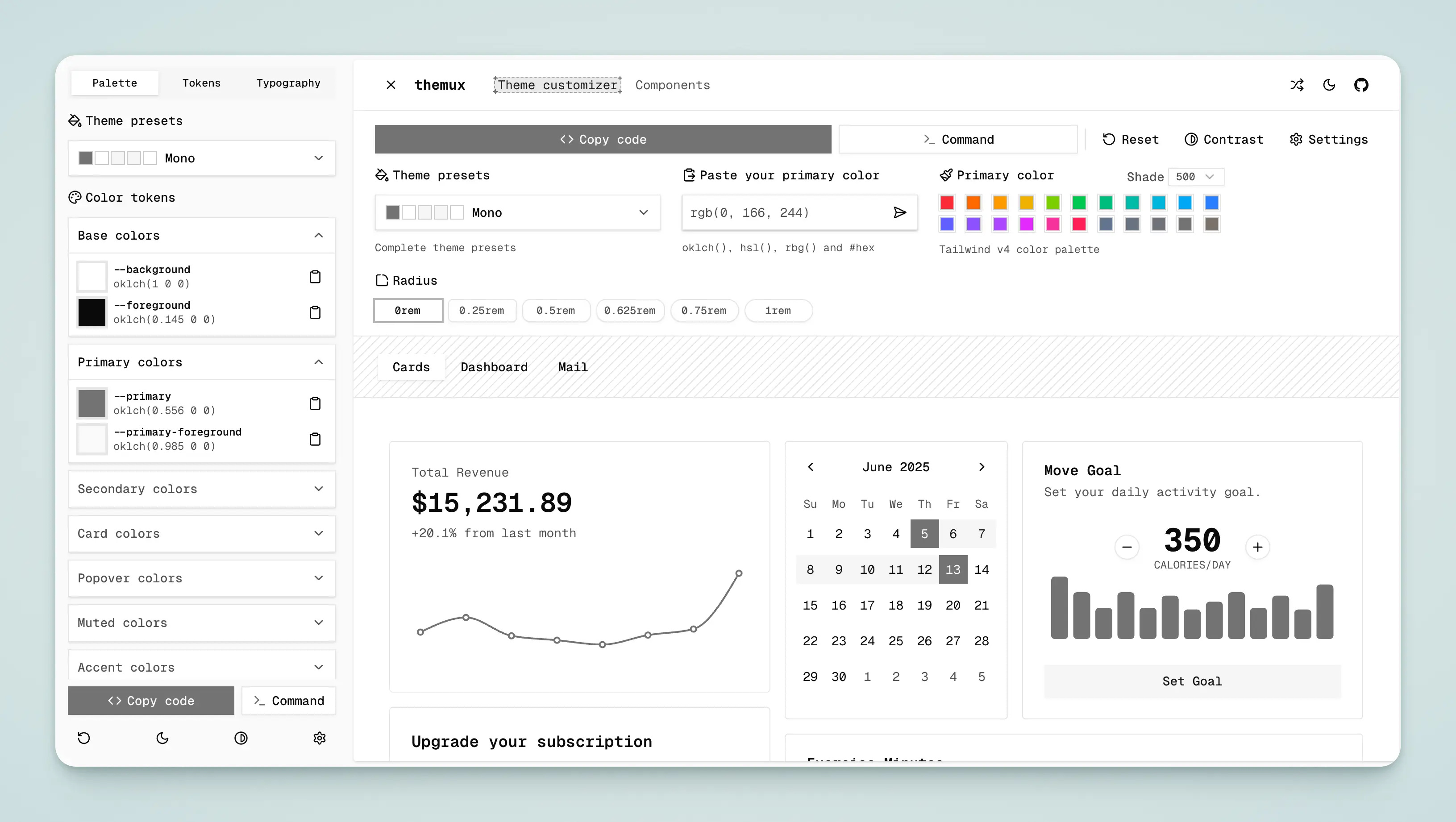
- Use the Themux tool to quickly generate theme colors and copy them to
src/config/style/theme.css.
UI Pub
- Use the UI Pub tool to quickly generate theme colors and copy them to
src/config/style/theme.css.
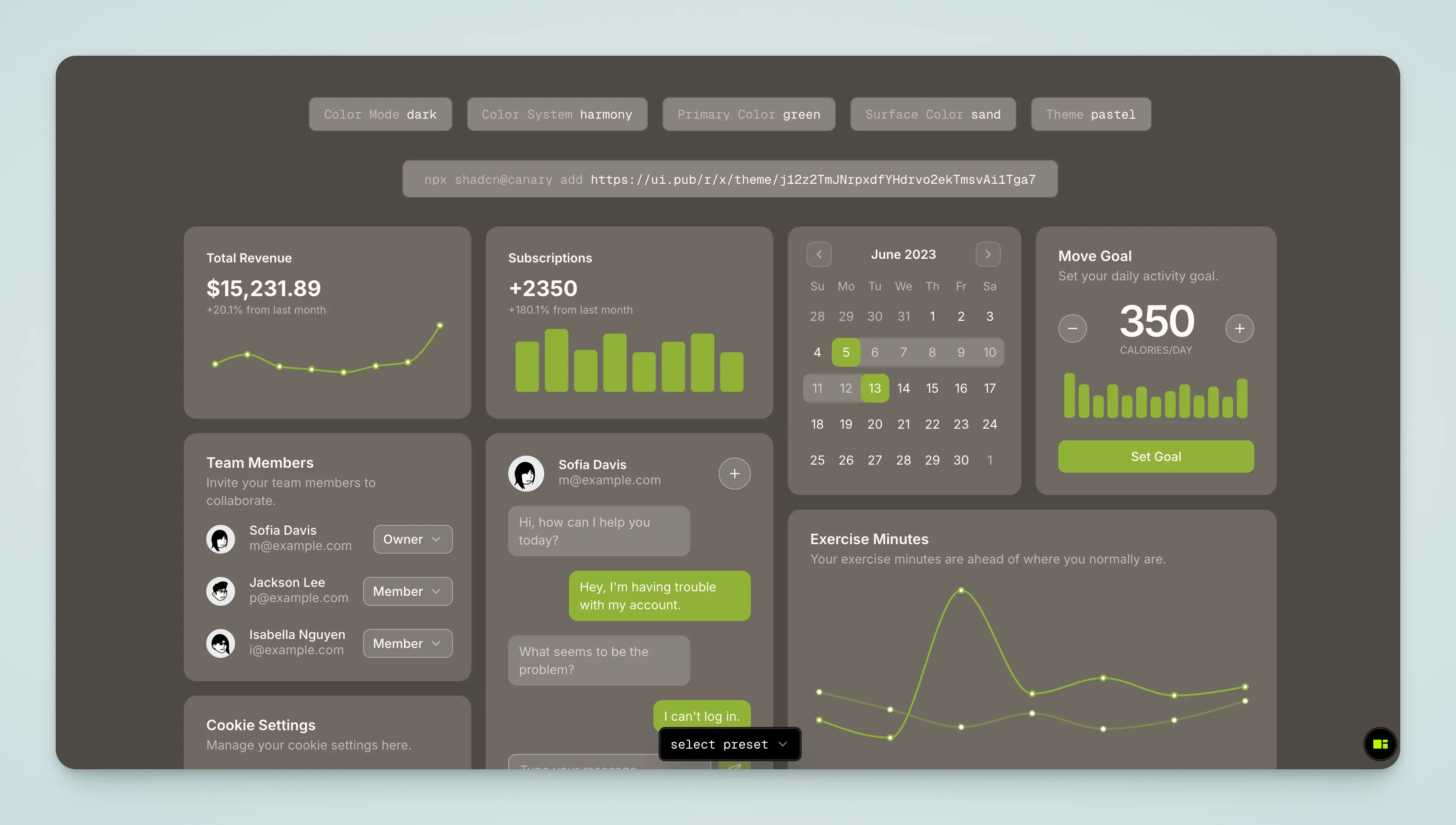
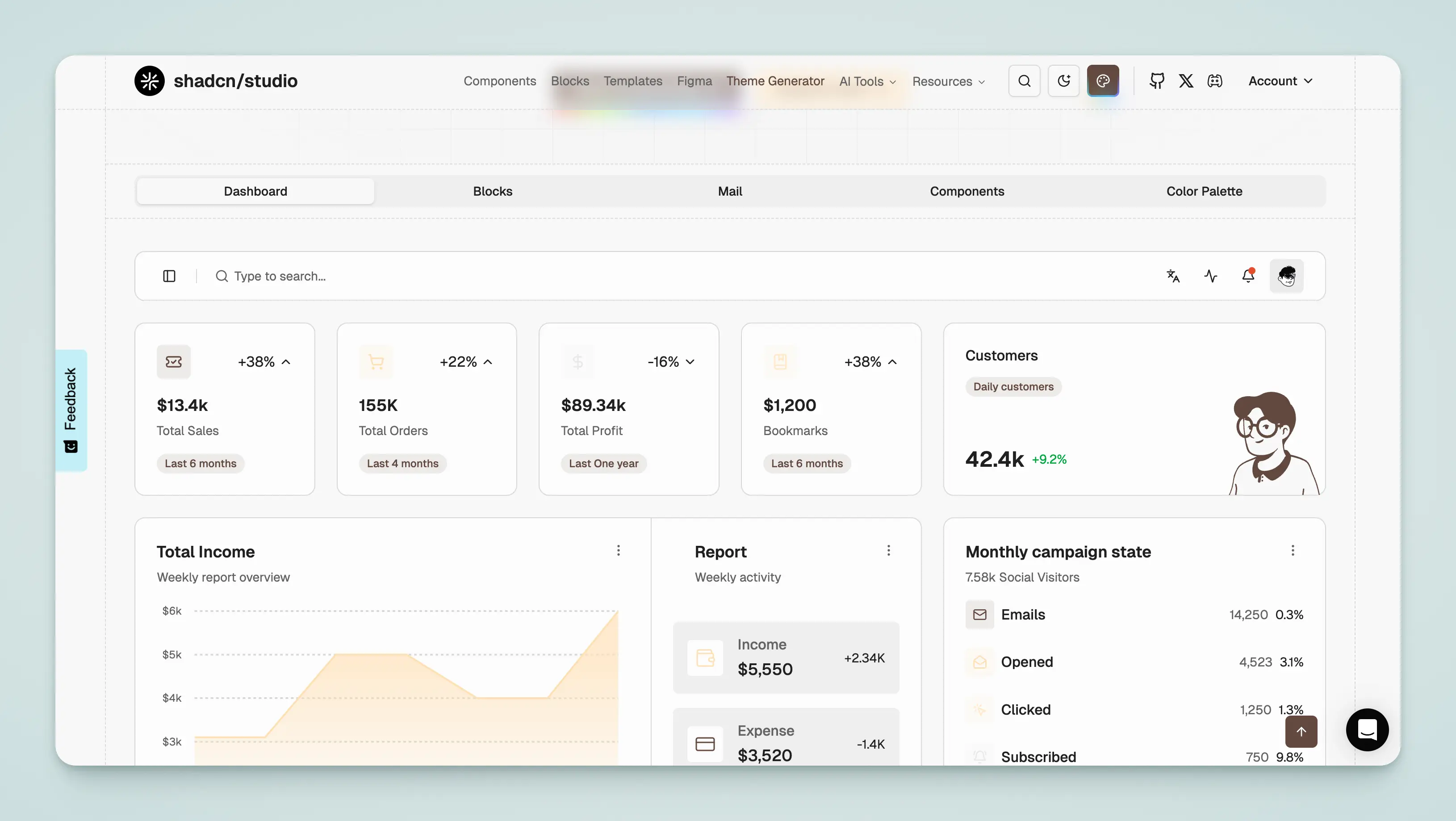
Shadcn Studio
- Use the Shadcn Studio tool to quickly generate theme colors and copy them to
src/config/style/theme.css.