Database
Neon
Serverless PostgreSQL database with pay-per-use pricing and auto-scaling
Neon is a Serverless PostgreSQL service. The database automatically sleeps when idle and charges based on actual usage. The free tier provides 0.5 GB storage per project, 100 CU-hours of compute time, and up to 10 projects.
Quick Start
Create a Project
Visit the Neon Console and click New Project to create a project. Select the region closest to you.
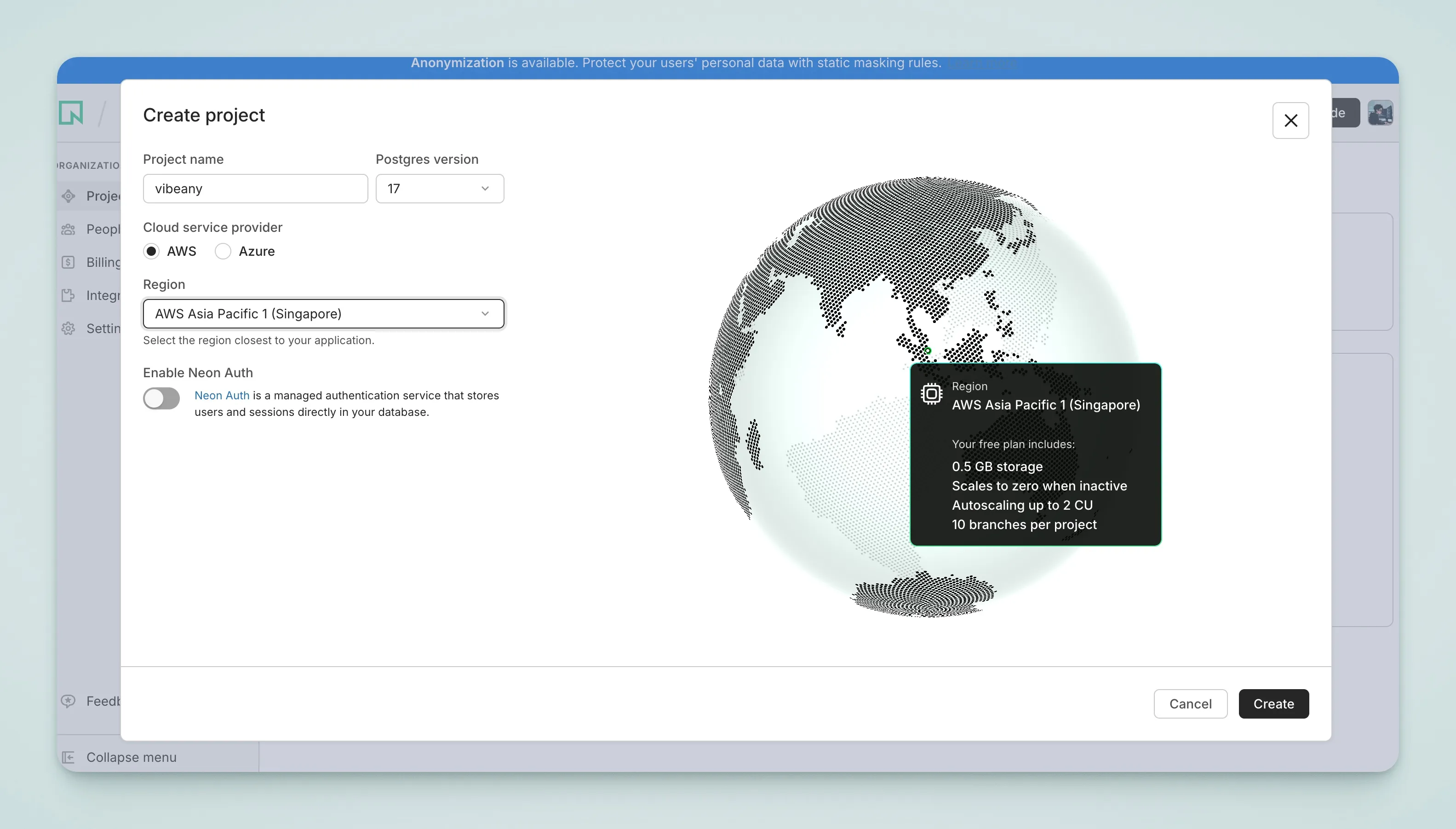
Get the Connection String
After the project is created, go to the Dashboard and click Connection string to copy the connection address.
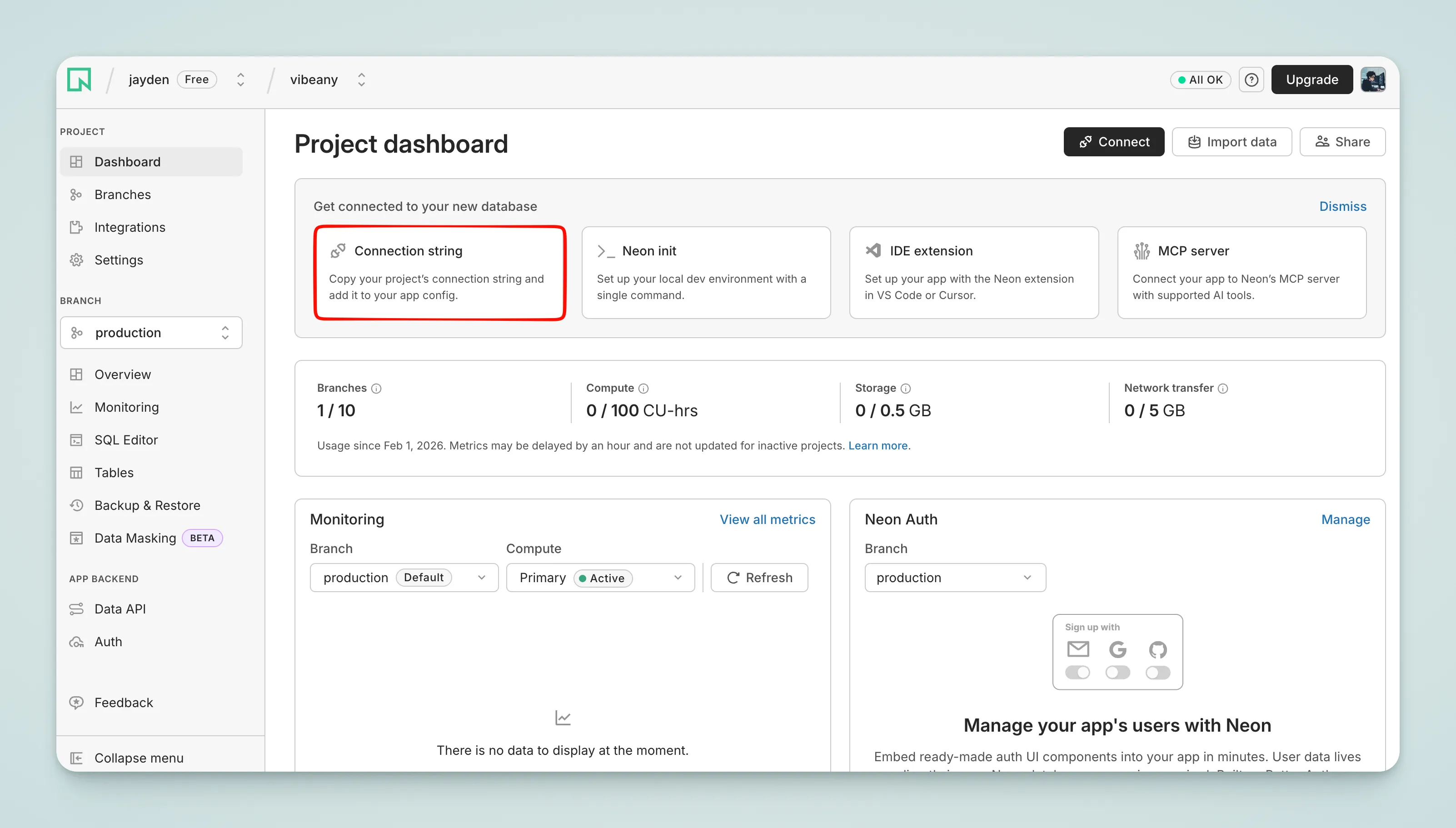
Select Pooled connection and copy the string starting with postgresql://.
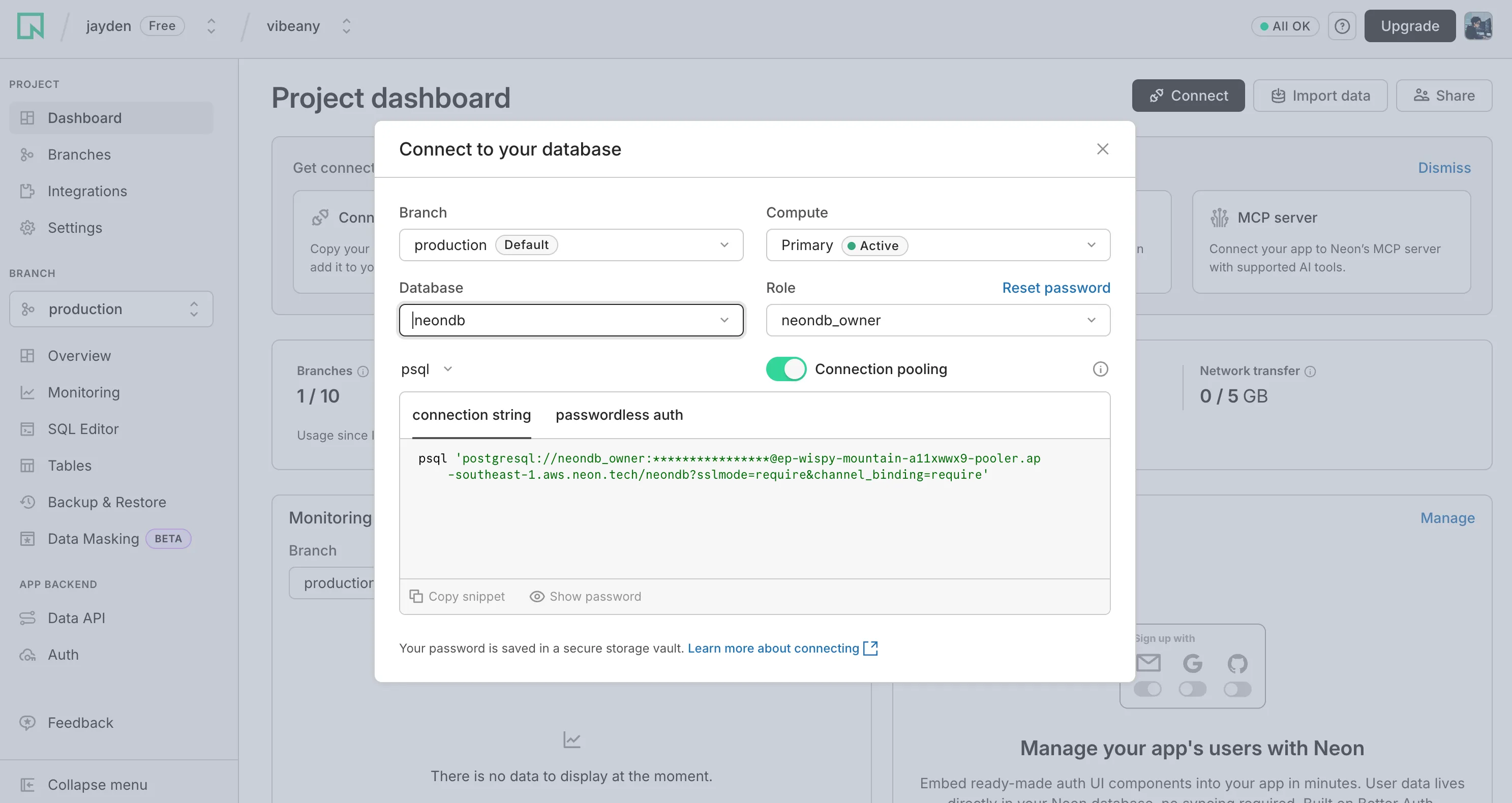
Configure Environment Variables
Paste the connection string into your .env file:
DATABASE_URL="postgresql://username:[email protected]/neondb?sslmode=require"Run Migrations
Run the following commands to generate and apply database migrations:
pnpm db:generate
pnpm db:migrate